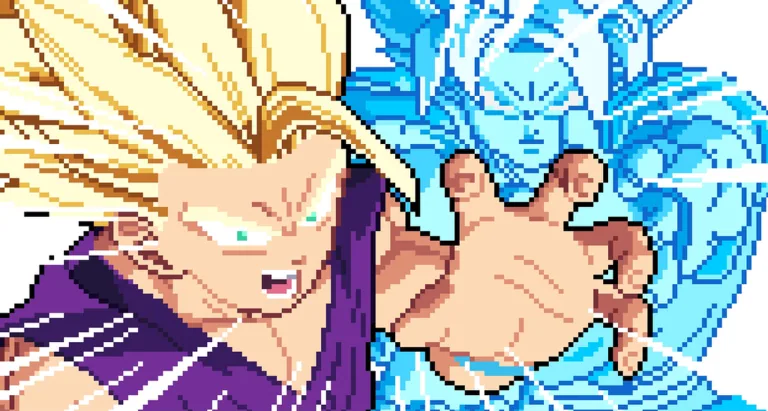
Hold a direction
Direction + J
Hold a direction, then press J. In the keyboard block, movement is W A S D. The store does not name a special for each direction.
Specials
The store gives two inputs for a special and one menu path for the full list.
Direction + J
Hold a direction, then press J. In the keyboard block, movement is W A S D. The store does not name a special for each direction.
Q + J
The second form is Q plus J. The store writes it as Q + J. Q is not given its own row in the twelve-key block.
| Direction + J | Hold W, A, S, or D, then press J. |
|---|---|
| Q + J | Press Q with J. Q has no row in the twelve-key block. |
| Pause then list | P opens Pause. List of Movements is the named list inside the match. |
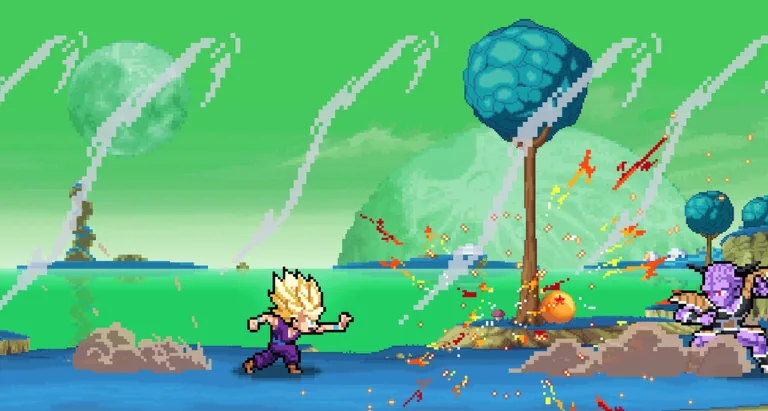
Ultimate is the attack key next to Special. Its row also points at Charge Ki.
Charge Ki is H, in the resource group. Dragon Rush on E points at Charge Ki as well.
Transform is T. The row points at Charge Ki, so the block ties the transform to the ki charge rather than to a separate meter.
The description stops at the input syntax and the menu name. It does not list special names, damage, or startup. Use List of Movements inside Pixel Z for the entries, and use the keyboard block when you only need the key.
Two inputs throw a special, and both use J. The first is a held direction plus J. Direction means the Move / Jump keys, so you hold W, A, S, or D, then press J. J is the Special key in the keyboard block. The second input is Q + J. Q has no row beside Light, Ultimate, or Dragon Rush, so do not hunt for a Q label in the twelve-key block. Both forms are one written line: hold a direction and press J, or press Q with J.
That line does not name the specials. It does not give damage or startup. P is Pause. From the pause menu you open List of Movements, and that menu lives inside the match. If you only need the button, the keyboard block is enough. If you need the name of a special, open the list after Pause. Ultimate on K sits next to Special and also points at Charge Ki. Charge Ki is H. Dragon Rush on E points at Charge Ki too. Transform on T points at Charge Ki, so a transform is grouped with the ki charge rather than with a separate meter. None of those three replaces J.
A short practice order is enough to test the line. Set a direction with W A S D, press J, then try Q with J. Open Pause with P when you want the named list. ELO ranks and the Wins board do not change those buttons. 15KOMG is a code token, not a special input, and it is not a substitute for J. The attack keys around Special stay U for Light, I for Medium, O for Heavy, and K for Ultimate, with E for Dragon Rush. Guard on L and Dash on Space stay available during the same match, and they are not part of the special line.
Phone, tablet, and controller can start a match, but the written special syntax still names J and Q. There is no second diagram that relabels Direction + J for a gamepad face button. When you are on a touch layout, find the control that the keyboard block calls Special, then add the direction or Q the same way the line describes. The list behind Pause is still List of Movements, whatever device started the match.